

London at Christmas: A Connectivity Imperative
Stepping off the Heathrow Express at Paddington, or perhaps out of St Pancras International if you’re arriving via Eurostar, there’s an immediate buzz, a palpable shift in the air. London at Christmas isn't just a destination, it's an experience. The city transforms, from the grand lights of Oxford Street to the quaint charm of the independent stalls popping up across the boroughs. I remember one year, trying to navigate the throngs around Leicester Square, my phone battery dying because I was relying on spotty public Wi-Fi. That's a mistake I never made again. Connectivity isn't a luxury here, it's essential for a stress-free trip, especially when you're trying to find that specific mulled wine vendor or track down a friend.
From late November through early January, London’s festive markets draw millions. Imagine needing to confirm opening hours for the Winter Wonderland in Hyde Park (which typically runs from 10:00 AM to 10:00 PM, though Christmas Day sees it closed) or trying to pay for a delicious mince pie at Borough Market using your digital wallet, only to find your data has vanished. A reliable data connection means seamless navigation through the TFL (Transport for London) network, easy access to cashless payment apps like Apple Pay or Google Pay, and instant sharing of those picture-perfect moments from the Southbank Centre Winter Market. Trust me, you don't want to be fumbling with a dead phone when you're trying to meet someone at the festive pop-ups around Covent Garden.
Why an eSIM is Your Best Travel Companion
For years, my travel bag always contained a small pouch of foreign SIM cards, each painstakingly acquired at an airport kiosk or a local corner shop. The ritual was always the same: find a vendor, try to explain what I needed in broken local phrases, swap out my home SIM, hope it worked, and then keep my tiny home SIM safe from getting lost in some hotel drawer. It was a faff, a real time-sink, especially when you’ve just landed after a long-haul flight and all you want is to get to your hotel in Bloomsbury.
The advent of the eSIM changed all that. An eSIM is essentially a digital SIM card embedded directly into your phone. No physical swapping, no tiny plastic cards to lose. It's a game-changer for international travel, offering immediate data access upon landing. For a city like London, where reliable data is paramount for everything from checking Tube times with the Citymapper app to finding the nearest Pret A Manger, an eSIM is simply the smartest option. It frees you from the stress of hunting down local mobile providers like EE or Vodafone UK, and lets you focus on enjoying your trip.

The benefits extend beyond mere convenience. With an eSIM, you can often keep your home SIM active for calls and texts while using the eSIM for data, a dual-SIM capability that's invaluable. This means you won't miss important calls from home, but you'll avoid exorbitant international roaming charges for data. I once paid a truly eye-watering amount for data roaming after accidentally leaving my home SIM on during a trip to Rome, a mistake that cost me over £150 for just a few days of browsing. An eSIM sidesteps this entirely. Plus, many providers offer multi-country plans, which can be incredibly useful if your festive jaunt includes a quick hop over to Paris or Brussels, a detail I detailed in an earlier piece, The Multi-Country eSIM Hack: Save $100+ on Your Euro Trip 2026.
Physical SIM vs. eSIM: A Side-by-Side Look
Let's break down why an eSIM truly shines for a trip like this.
| Feature | Physical SIM Card | eSIM (Digital SIM) |
|---|---|---|
| Installation | Requires physical insertion into phone | Digital download, QR code scan or manual setup |
| Activation Time | Can take minutes to hours (requires physical purchase) | Instantaneous, often pre-arrival |
| Flexibility | Limited to one physical SIM slot | Multiple eSIM profiles can be stored and switched |
| Roaming Fees | High with home provider, or requires buying a local SIM | Avoids roaming, offers competitive local data rates |
| Security | Risk of loss or damage to physical card | Secure, no physical component to lose |
| Convenience | Requires finding a local vendor upon arrival | Purchase and activate from anywhere, anytime |
Top London Christmas Markets and How to Find Them
London boasts a spectacular array of Christmas markets, each with its own character. Knowing their locations and how to get there with your trusty eSIM data is key to making the most of your visit. From the traditional German-style markets to more boutique offerings, there's something for everyone.
Hyde Park Winter Wonderland: The Grand Spectacle
This is arguably London's most famous Christmas destination, and for good reason. It's a sprawling wonderland of rides, ice skating, circus shows, and, of course, a massive Christmas market. Located in Hyde Park, accessible via the Marble Arch or Hyde Park Corner Tube stations (on the Central and Piccadilly lines, respectively), it usually runs from mid-November to early January. Opening times are typically 10:00 AM to 10:00 PM, though it's closed on Christmas Day.
Navigating the sheer size of Winter Wonderland can be a challenge, even with maps. Having live data to check ride queues on their official app or quickly locate a specific food stall is invaluable. The sheer number of people also means cell tower congestion can be an issue, making a reliable, multi-carrier eSIM plan even more critical here.
Southbank Centre Winter Market: Riverside Charm
Stretching along the Thames from the Southbank Centre towards Borough Market, this market offers stunning river views, especially at night when the lights twinkle across the water. It's an excellent spot for unique gifts and seasonal treats. The nearest Tube stations are Waterloo (Jubilee, Bakerloo, Northern, Waterloo & City lines) and Embankment (District, Circle, Bakerloo, Northern lines). The market typically opens from 11:00 AM to 10:00 PM on weekdays and 10:00 AM to 11:00 PM on weekends, from early December to late January.
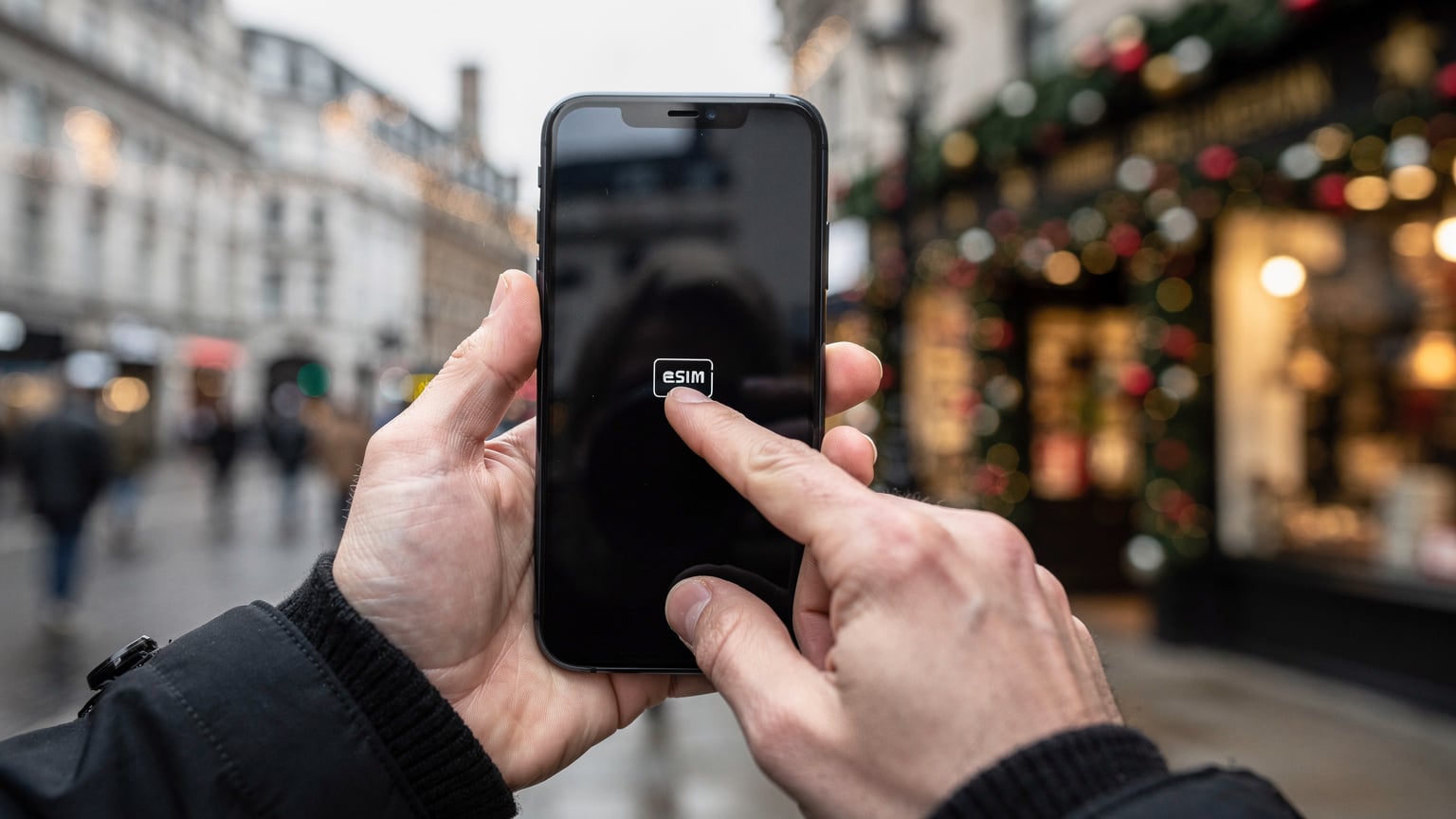
I once got hopelessly lost trying to find a specific artisan stall selling handmade ornaments here, relying on a patchy public Wi-Fi signal. That was a firm reminder that navigating the winding paths and specific vendor locations requires consistent data. Having your own connection means you can use Google Maps or Citymapper without interruption, even if you wander off the main path towards Gabriel's Wharf for a coffee.
Borough Market: Christmas at a Foodie Haven
While Borough Market is a year-round institution, it truly shines during Christmas, with special festive offerings and decorations. Located in Southwark, just south of London Bridge, it's easily reachable via London Bridge Tube (Northern and Jubilee lines) or National Rail. Regular market hours are typically 10:00 AM to 5:00 PM Monday to Friday, with extended hours and special events in the weeks leading up to Christmas. Check their website for specific December holiday hours, as they often vary.
This market is a feast for the senses, and having data allows you to quickly research a new cheese vendor, check reviews for that intriguing street food stall, or even translate a menu if you're feeling adventurous. The sheer volume of transactions means that digital payments are often faster and more convenient, so a stable connection for your banking apps is essential.
Covent Garden: Christmas Crafts and Carols
Covent Garden is always charming, but at Christmas, it transforms into a festive hub with a huge tree, daily carol singers, and a delightful market in its central piazza. You'll find unique gifts, artisanal crafts, and plenty of festive cheer. The nearest Tube station is Covent Garden (Piccadilly line), though Leicester Square (Piccadilly, Northern lines) and Embankment are also within walking distance. The market and decorations typically run from mid-November to early January, with shops generally open from 10:00 AM to 8:00 PM.
Choosing the Right eSIM for Your London Trip
Selecting the right eSIM package is crucial for a smooth trip. You need to consider data allowance, validity period, and whether you need voice and text services. For most travellers, a data-only eSIM is perfectly sufficient, as messaging apps like WhatsApp handle communication, and VoIP calls are easily made over data. (Though, if you're planning a business trip, you might want to consider Lounge-Grade Reliability: Why Multi-Carrier eSIMs Are Essential for Business Travel in 2026.)
Data Allowance: How Much Do You Really Need?
This depends entirely on your usage patterns. Are you a casual browser and map-checker, or do you plan on streaming Christmas movies on the Tube? Here’s a rough guide:
- Light User (1-3 GB for 7 days): Perfect for checking maps, light social media, messaging, and occasional email. If you're relying on hotel Wi-Fi for heavy tasks, this is often enough.
- Moderate User (5-10 GB for 7-14 days): Ideal for regular map use, frequent social media updates, some video streaming (think a few YouTube clips), and video calls. This is what I usually opt for when exploring a city.
- Heavy User (15-30 GB for 14-30 days): For those who stream a lot of video, participate in many video calls, or work remotely while travelling. If you plan on uploading tons of photos and videos of the Christmas markets to Instagram and TikTok, this might be for you.
Always err on the side of slightly more data than you think you'll need. Running out of data mid-trip and having to scramble for a top-up is a minor inconvenience that can easily be avoided. I once had a plan run dry while trying to book a last-minute train ticket from London Bridge, leaving me stranded for an hour until I found a café with Wi-Fi. Not ideal.
Validity Period and Regional Coverage
Ensure your eSIM’s validity period covers your entire stay. Most plans range from 7 to 30 days. If you're in London for a week, a 7 or 10-day plan makes sense. If you're extending your trip to other parts of the UK or even mainland Europe, consider a regional eSIM that covers multiple countries. A single eSIM that works across the UK and other European destinations simplifies connectivity immensely, especially if you're flying into London but planning a side trip to, say, Edinburgh for their own famous Christmas markets.
| Plan Type | Data (GB) | Validity (Days) | Ideal For |
|---|---|---|---|
| London Express | 5 GB | 7 | Short city break, light browsing |
| UK Explorer | 10 GB | 15 | Extended London stay, day trips outside London |
| Europe Festive | 20 GB | 30 | Multi-country European tour, heavy usage |
Activating Your eSIM: A Step-by-Step Guide
One of the beauties of an eSIM is how straightforward the activation process is. You can often set it up before you even leave home, ensuring you have data the moment your plane touches down at Gatwick or lands at Heathrow. (I’ve done this countless times, and the peace of mind is worth its weight in gold.)
Before You Depart: Pre-Arrival Setup
It’s always a good idea to set up your eSIM before you travel, or at least have the QR code ready. This way, you avoid relying on potentially slow or expensive airport Wi-Fi.
- Purchase Your eSIM: Visit the UK eSIM page and select a plan that suits your data needs and trip duration. You’ll receive a QR code via email instantly.
- Check Device Compatibility: Ensure your phone is eSIM-compatible and unlocked. Most newer smartphones (iPhone XS and later, many Samsung Galaxy S/Note/Fold models, Google Pixel 3 and later) support eSIM. If you’re unsure, a quick search online for your specific model will confirm it.
- Scan the QR Code: Go to your phone's settings (typically 'Cellular' or 'Mobile Data'), tap 'Add Cellular Plan' or 'Add eSIM', and scan the QR code you received. Follow the on-screen prompts to label your new plan (e.g., 'London Travel').
- Set as Primary for Data: Once installed, you can choose to use your eSIM for cellular data. Keep your home SIM active for calls if you wish, but set the eSIM as your default for data while abroad.
Upon Arrival: First Connection
Once you land in London, connecting is usually seamless.
- Enable Data Roaming (for eSIM only): For your eSIM profile, ensure 'Data Roaming' is turned on. This is crucial for the eSIM to connect to local networks without incurring additional charges, as it's part of the eSIM package.
- Restart Your Device (Optional but Recommended): Sometimes, a quick restart helps your phone fully register with the new network.
- Test Your Connection: Open a browser, check a map, or send a message. You should be connected instantly. If not, double-check your settings or refer to the troubleshooting section.

Staying Connected on the Go: Transit and Apps
London is a city that demands mobility. Whether you're hopping on the Tube, riding a bus, or hailing a black cab, your phone and its data connection will be your indispensable guide. Forget the old-school paper A-Z maps; your smartphone is your all-in-one navigator and payment method.
Navigating the TFL Network with Ease
The Transport for London (TFL) network, comprising the Underground (Tube), Overground, DLR, and buses, is vast and efficient. With a reliable eSIM connection, you can:
- Use Citymapper or Google Maps: These apps provide real-time public transport information, including live departure times, platform numbers, and even alternative routes if there are delays on the Jubilee line. I use Citymapper religiously in London, it’s far superior to any paper map.
- Contactless Payments: You can tap in and out of Tube and bus services using your bank card or a digital wallet (Apple Pay, Google Pay) on your phone. No need for an Oyster card, just a working data connection and your linked card. This is incredibly convenient, particularly during peak Christmas season when ticket machines can have queues.
- TFL Go App: The official TFL Go app offers detailed journey planning, live updates, and even information on station accessibility, which is vital if you're pushing a pram with your little ones or have mobility needs.
Remember, while the Tube generally has Wi-Fi at stations, relying solely on it for journey planning or real-time updates while on the move is risky, especially when you're between stations or underground. Your eSIM ensures continuous connectivity, even as you descend into the labyrinthine tunnels of the Underground.
Essential Apps for Your London Christmas Trip
Beyond navigation, several apps will enhance your festive experience:
- Dineout/OpenTable: For booking tables at popular Christmas eateries. London restaurants, especially in areas like Soho or Mayfair, get booked up months in advance for the festive period.
- WhatsApp: For messaging friends and family, making free calls over data. It’s practically the standard for casual communication in Europe.
- National Rail Enquiries: If you plan any day trips outside London, perhaps to the Winchester Christmas Market or even further afield, this app provides live train times and platform information for services operated by companies like Southeastern or Great Western Railway.
- Revolut/Wise (formerly TransferWise): For managing your money, especially if you're dealing with multiple currencies. These apps offer excellent exchange rates and real-time spending notifications.
- Eventbrite/See Tickets: For finding and booking tickets to Christmas shows, carol concerts, or special events happening across the city.
Troubleshooting Common eSIM Issues
Even with the best preparation, sometimes things don't go perfectly. Here are a few common hiccups and how to resolve them.
No Service or No Data Connection
This is the most frequent issue. Don’t panic, it’s usually a quick fix.
- Check eSIM Profile is Active: Go to your phone's 'Cellular' or 'Mobile Data' settings. Ensure your eSIM profile is turned on and selected for data.
- Enable Data Roaming: For the eSIM specifically, ensure 'Data Roaming' is toggled on. This allows the eSIM to connect to partner networks in the UK. (Do NOT enable data roaming for your home SIM unless you want a nasty bill.)
- Restart Your Phone: A simple power cycle can often resolve minor network registration issues.
- Manual Network Selection: If still no luck, try manually selecting a network. In your phone's settings, under 'Network Selection', turn off automatic and choose a major UK carrier like Vodafone UK, O2, or EE. Sometimes, your phone tries to connect to a weaker signal.
- Check APN Settings: Rarely needed, but sometimes the Access Point Name (APN) might be incorrect. Your eSIM provider's support pages will have the correct APN, which you can usually find under 'Mobile Data Network' settings.
Data Usage and Monitoring
Keeping an eye on your data usage prevents unexpected cut-offs. Most modern smartphones allow you to track data consumption by cellular plan.
- iPhone: Go to 'Settings' > 'Cellular' > 'Cellular Data'. You'll see usage per app.
- Android: Go to 'Settings' > 'Network & internet' > 'Internet' > 'Mobile network'. You can often set data warnings or limits here.
Additionally, your eSIM provider will usually have an app or a web portal where you can check your remaining data balance and purchase top-ups if needed. This proactive monitoring is far better than being caught off-guard, especially when you're in the middle of uploading a festive video to Instagram.
Making the Most of Your London Christmas Experience
Beyond the markets, London offers so much during the festive season. Your seamless connectivity means you can truly immerse yourself without worrying about getting lost or missing out.
Capturing and Sharing Festive Moments
From the twinkling lights of Carnaby Street to the grand tree in Trafalgar Square, London is incredibly photogenic at Christmas. With your eSIM, you can instantly share high-quality photos and videos with friends and family back home. Imagine a live video call from the top of the London Eye, looking down on the illuminated city. No delays, no buffering, just pure holiday joy.
Pro TipWhen you're out and about, especially in crowded areas like Winter Wonderland, use your eSIM data to quickly upload photos to cloud services like Google Photos or iCloud. This not only frees up space on your device but also provides an instant backup, just in case something happens to your phone amidst the Christmas rush.
Finding Hidden Gems and Local Favourites
While the big markets are fantastic, London is full of smaller, charming festive pop-ups. Your eSIM allows you to spontaneously search for things like 'best mulled wine near me' or 'independent craft markets Shoreditch'. You might stumble upon a delightful local event or a quaint café offering special Christmas treats, far away from the main tourist drag. I often use apps like Time Out London or Eater London to find these kinds of spots, which require live data to be truly useful.
eSIMs Beyond London: Future Travel and Connectivity
Once you’ve experienced the ease of an eSIM in London, you’ll likely never go back to physical SIM cards for international travel. The convenience, flexibility, and cost-effectiveness are simply unmatched. This technology isn't just for Europe, it's global. Whether you're planning a remote expedition to Norway's Arctic: Staying Connected on Remote Fjord Expeditions 2026 or a more leisurely trip to Maldives 2027: Private Island Connectivity, Ditch Resort Wi-Fi Hassles, the principles remain the same: instant, reliable connectivity at your fingertips.
The world is increasingly digital, and travel connectivity is following suit. From booking flights and hotels to navigating foreign streets and making payments, your smartphone is your gateway. An eSIM ensures that gateway is always open, always reliable, and always ready for your next adventure. So, as you plan your festive escape to London in 2026, make sure your eSIM is at the top of your packing list. It’s the smartest way to experience the magic without a single connectivity hiccup.
Frequently Asked Questions
What is the best way to get mobile data for London Christmas markets in 2026?
The best way to get mobile data for London Christmas markets in 2026 is by using a travel eSIM. It offers instant activation, avoids expensive roaming fees, and eliminates the need to swap physical SIM cards, providing seamless connectivity for navigation and cashless payments.
Can I use my eSIM for public transport in London?
Yes, you absolutely can. Your eSIM provides the necessary data connection to use apps like Citymapper or Google Maps for real-time TFL (Transport for London) updates. You can also use your phone with contactless payment methods like Apple Pay or Google Pay to tap in and out of Tube and bus services, directly linked to your bank card via your data connection.
How much data will I need for a week at London's Christmas markets?
For a week exploring London's Christmas markets, a moderate data plan of 5-10 GB should suffice. This allows for frequent map usage, social media updates, occasional video calls, and cashless transactions. Heavy streamers or remote workers might consider 15-20 GB.
Which London Christmas markets are popular in 2026 and how can I find them?
Popular London Christmas markets in 2026 include Hyde Park Winter Wonderland, Southbank Centre Winter Market, Borough Market, and Covent Garden. You can find them and navigate between them using your eSIM data with apps like Google Maps or Citymapper, ensuring you have live updates and directions.
Can I keep my home phone number active while using an eSIM in London?
Yes, one of the significant advantages of an eSIM is its dual-SIM capability. You can keep your home physical SIM active for calls and texts while dedicating the eSIM profile to handle all your mobile data needs, thus avoiding international roaming charges for data.
What if my eSIM doesn't connect once I arrive in London?
If your eSIM doesn't connect, first ensure the eSIM profile is active and 'Data Roaming' is enabled for that specific profile in your phone's settings. A quick restart of your device often helps. If issues persist, try manually selecting a network operator like Vodafone UK or O2 from your phone's mobile network settings, or check your eSIM provider's support for specific APN settings.