

Why Your Phone is Your Pit Crew at the Grand Prix
Attending the Formula 1 Grand Prix in Singapore isn't just about watching cars zoom by. It's an entire experience, a logistical ballet of tickets, schedules, and social engagements. Your phone, quite frankly, is your most vital piece of kit. Without reliable data, you're essentially flying blind in a city that, while incredibly efficient, moves at a blistering pace.
Think about it: from the moment you land at Changi, you'll be using apps for everything. Grab for ride-sharing, Google Maps for navigating the circuit and the city's sprawling MRT system, and OpenTable or Chope for those last-minute dinner reservations in Marina Bay or the CBD. And let's not forget WhatsApp, which is practically the official communication tool for anyone traveling in a group (and if you're like me, half your nomad network is buzzing with F1 updates). The official F1 app itself is data-hungry, streaming live timing, driver positions, and team radio, which can be crucial for understanding race strategy.
I've seen too many people miss critical updates or get lost trying to find their gate because their roaming charges were astronomical or their free Wi-Fi kept dropping. Singapore isn't a place where you want to be caught offline, especially during an event of this magnitude. Consider the sheer density of people, all trying to use the same public Wi-Fi networks around the circuit. It's a recipe for frustration. A dedicated, high-speed data connection is the only way to ensure you're always in the loop, whether it's checking race results, finding your friends in the paddock, or uploading that perfect photo of the fireworks over the track.
Essential Apps That Demand Uninterrupted Connectivity
- Grab (Ride-sharing and Food Delivery): This is your go-to for getting around and ordering in. Without data, you're back to flagging down taxis, which, while reliable in Singapore, means waiting in lines at peak times.
- Google Maps/Citymapper (Navigation): Navigating the sprawling F1 circuit grounds and the city itself. Crucial for finding gates, food stalls, and knowing which MRT line to take to, say, Tanjong Pagar for some excellent local eats.
- WhatsApp/Telegram (Communication): For coordinating with your travel companions, sharing real-time updates, and staying in touch with your home base.
- Official F1 App (Live Race Data): This is where you get the nitty-gritty: live telemetry, pit stop strategies, and commentary. It’s essential for any serious fan.
- DBS PayLah!/OCBC Pay Anyone (Local Payments): While credit cards are widely accepted, these local payment apps can be handy for smaller vendors or splitting bills with local friends. Some local apps, especially banking ones, sometimes require a local SIM to even register, though tourist-focused apps are usually more lenient.
eSIM vs. Physical SIM: The Real-World Showdown
For someone who's spent years jumping between countries, the eSIM isn't just a convenience, it's a non-negotiable. I've wasted far too many hours in airport kiosks or dodgy street stalls trying to get a local SIM activated, only for it to conk out a week later. Singapore is efficient, yes, but even there, buying a physical SIM means queuing, showing your passport, and dealing with potentially confusing plans. When you're in town for a high-profile event like the Grand Prix, time is literally money.
An eSIM, on the other hand, means you can get your data plan set up before you even board your flight. Land in Changi, switch on your phone, and you're immediately connected. No fumbling with tiny trays, no risk of losing your home SIM (which I've done, more than once, to my eternal regret). It just works. This is especially true for shorter, high-intensity trips where every minute counts. You don't want to spend precious track time trying to troubleshoot your phone.
| Feature | eSIM (Digital) | Physical SIM (Traditional) |
|---|---|---|
| Activation Process | Instant download/QR scan, before arrival | Purchase at airport/store, passport registration, manual insertion |
| Convenience | Seamless, no physical swap, multi-country plans easily managed | Requires handling tiny cards, risk of losing home SIM |
| Flexibility | Switch plans quickly, retain home number for calls/SMS | Locked to one plan, typically replaces home SIM |
| Security | Less susceptible to physical damage or loss | Can be lost, stolen, or damaged |
| Cost for Short Stays | Often more cost-effective for short-term data bundles | Can have higher base costs or less flexible short-term plans |
The Unseen Benefits of eSIM for Event Travel
Beyond the obvious, there are subtle advantages. Maintaining your primary phone number is a big one. Many critical services, like banking apps or two-factor authentication, are tied to your home number. With an eSIM, you can keep your physical SIM active for calls and texts from home while using the eSIM for all your data needs. This split functionality is a godsend when you're managing finances or need to confirm a transaction.
Also, think about multi-country trips. If you're hitting Singapore for the F1 and then perhaps heading to Thailand for some street food adventures, or even a quick hop to Europe, a single eSIM provider can often cover multiple regions. This makes managing your data across borders incredibly simple, avoiding the need to buy a new SIM in each country. I've used regional eSIMs to cover entire continents, from Rome to Paris to Santorini, without a single hiccup, making it easy to manage my data usage as I move. You can read more about options like the Europe-42 Pass: Your Single eSIM for Rome, Paris & Santorini 2026 to see how seamless it can be.
Choosing the Right Data Plan for Your Singapore F1 Trip
This isn't a one-size-fits-all scenario. Your data needs for the Grand Prix will depend heavily on what you plan to do. Are you just checking emails and occasionally looking up directions, or are you streaming every practice session and live-sharing high-resolution videos? The latter will chew through data faster than a McLaren on a straightaway.
Singapore's mobile networks, primarily Singtel, StarHub, and M1, are excellent. You're looking at consistent 5G coverage across most of the city, including the Marina Bay Street Circuit area. Speeds are generally phenomenal, easily hitting 100-200 Mbps in most urban areas, which is more than enough for anything you'll throw at it. The key is to match your consumption to the right plan. Don't overpay for data you won't use, but definitely don't underbuy and find yourself throttled mid-race.
| Usage Profile | Recommended Data (per week) | Typical Activities | Considerations |
|---|---|---|---|
| Light User | 3-5 GB | Messaging, light browsing, maps, occasional email | Suitable for basic communication and navigation. Avoid heavy streaming. |
| Moderate User | 10-15 GB | Frequent social media, some video calls, F1 app updates, light streaming | Good balance for staying connected and enjoying event features. |
| Heavy User/Professional | 20-30+ GB | Live streaming, frequent video calls, large file uploads, extensive social media | Ideal for content creators, remote workers, or those who need constant high-bandwidth access. |
What to Look For in an eSIM Package
- Data Allowance: Be realistic about your usage. For the F1 weekend, plus a couple of days either side, a 10-15GB plan for a moderate user is usually a safe bet. If you're an avid Instagrammer or constantly on video calls, bump that up.
- Validity Period: Ensure the plan covers your entire stay. Some plans are for 7 days, others 15 or 30. Match it to your itinerary.
- Network Coverage: Reputable eSIM providers partner with major local carriers. Double-check which network your chosen eSIM uses in Singapore to ensure optimal coverage, though generally, all three major players offer robust service.
- Top-up Options: Can you easily add more data if you run out? This is critical. You don't want to be scrambling for a new plan halfway through the race weekend.
- Pricing: Compare prices, but also consider the value. A slightly more expensive plan with better coverage or more flexible top-ups can save you headaches later. For example, some regional plans can provide excellent value, making it easier to stay connected across multiple destinations, much like finding a smart deal for Eid al-Adha 2026: Stay Connected for Under $10 with Smart eSIM Choices.
Step-by-Step: Activating Your eSIM for Singapore
Getting your eSIM up and running is surprisingly straightforward. I've walked friends through this process over video calls from various corners of the globe, and it's almost always smooth sailing. The beauty is you can do most of it from your couch before you even pack your bags.
Before you start, make sure your phone is eSIM compatible and unlocked. Most modern smartphones (iPhone XS and newer, Google Pixel 3 and newer, Samsung Galaxy S20 and newer) support eSIMs. If you bought your phone directly from a carrier, it might be locked, so check with them first. This is a common snag I've seen trip up even experienced travelers, especially those with older contracts. A quick call to your home provider can save you a lot of grief.

The Activation Process for iPhone Users
- Purchase Your eSIM Plan: Head to the provider's website, select your Singapore plan (or a regional plan that includes Singapore, if you're doing a multi-country hop), and complete the purchase. You'll receive a confirmation email with a QR code or manual installation details.
- Prepare Your Device: Ensure you have a stable Wi-Fi connection (do this at home or your hotel before heading out). Go to Settings > Cellular (or Mobile Data).
- Add eSIM: Tap "Add eSIM" or "Add Data Plan." You'll then have the option to "Use QR Code" or "Enter Details Manually."
- Scan QR Code: Position your phone to scan the QR code provided in your confirmation email. If you're installing on the same device you're viewing the QR code on, choose "Enter Details Manually" and copy-paste the activation code.
- Label Your eSIM: Once detected, your phone will prompt you to label the new plan (e.g., "Singapore Data" or "Travel eSIM"). This helps you keep track, especially if you have multiple eSIMs installed.
- Set Default Line: Choose which line to use for cellular data. Select your new eSIM for data and, if you wish, keep your primary SIM for calls and texts.
- Enable Data Roaming (for eSIM): Crucially, make sure Data Roaming is turned ON for your new eSIM in its settings. Don't worry, this only applies to the eSIM profile, not your home SIM, so you won't incur unexpected charges.
- Test Connection: Open a browser or an app like WhatsApp to confirm you have internet access.
Android eSIM Installation Guide
- Purchase Your eSIM Plan: Similar to iPhone, buy your desired plan from the provider's website. You'll get the QR code or manual details via email.
- Connect to Wi-Fi: Ensure your Android device is connected to a reliable Wi-Fi network.
- Navigate to SIM Manager: Go to Settings > Network & Internet > SIMs or Mobile Network.
- Add eSIM: Look for an option like "Add eSIM," "Download a SIM," or "+" icon next to Mobile Network.
- Scan QR Code: Select "Use QR code" and scan the code from your email. If you're on the same device, use the manual entry option.
- Follow Prompts: Your phone will guide you through the remaining steps, including naming the eSIM and selecting it for mobile data.
- Enable Data Roaming: For the newly installed eSIM profile, ensure data roaming is enabled. This is often the step people forget, leading to a "no connection" panic.
- Verify Connectivity: Test your internet connection by opening a webpage or an app.
Beyond the Track: Singapore Connectivity for Long Stays
While the Grand Prix is a fantastic reason to visit, Singapore is also a major hub for digital nomads and long-term remote workers. If you're planning to extend your stay beyond the race, your connectivity needs shift. You're not just looking for a few days of intense data; you need something sustainable, reliable, and cost-effective for weeks or months.
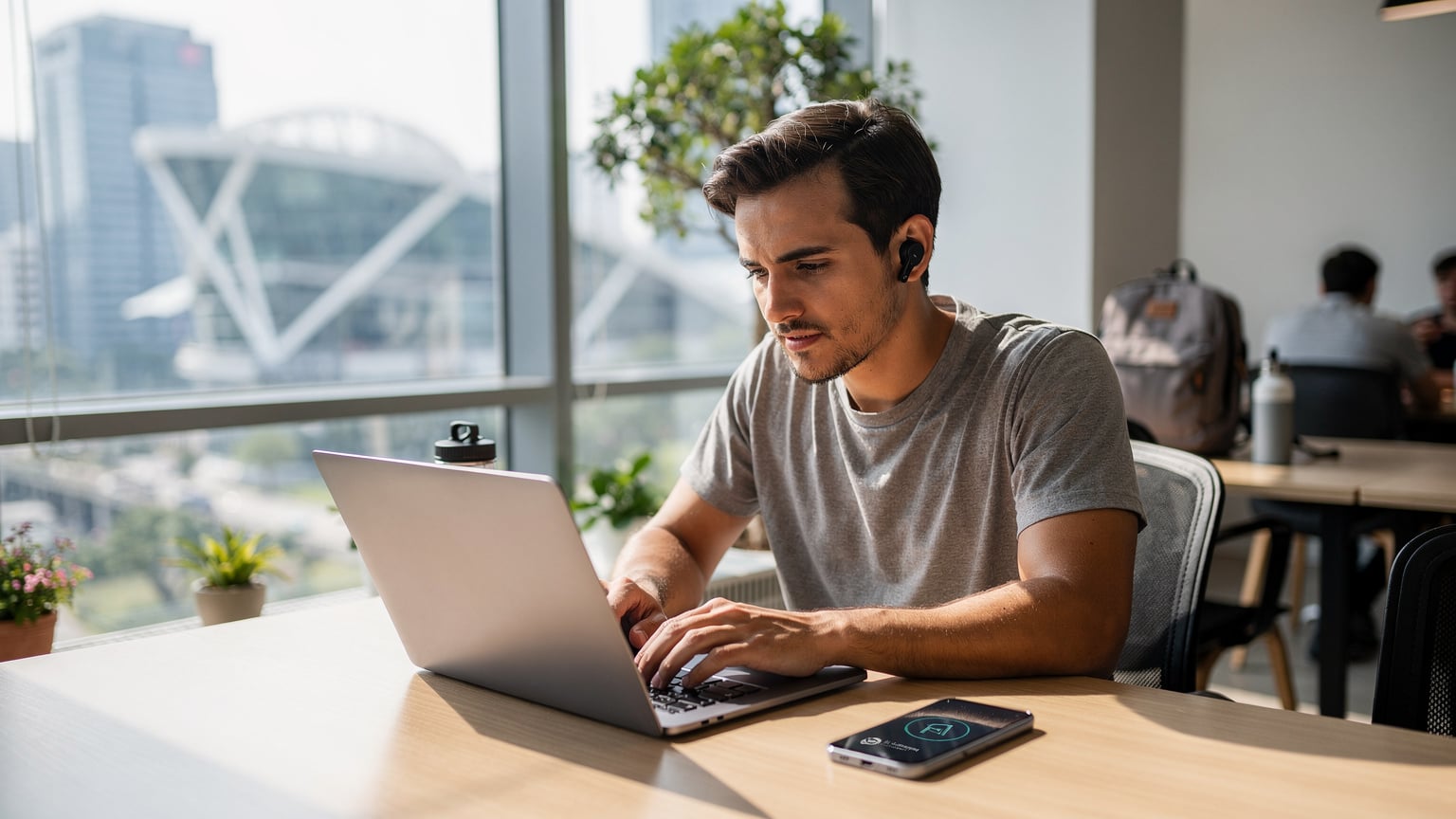
For those looking to settle in for a while, perhaps setting up shop in a co-working space like WeWork at Suntec City or The Hive Carpenter, consistent internet is paramount. I've spent time at both, and the Wi-Fi is generally excellent, but having your own robust data plan as a backup, or for when you're out and about, is non-negotiable. Local long-stay monthly rents in areas like Tiong Bahru (my personal favorite for its charm and food scene) can hover around S$2,500-S$4,000 for a decent 1-bedroom apartment, while a room in a shared flat in a less central area like Queenstown might be S$1,000-S$1,800. Daily expenses, including food and transport, could easily add another S$1,000-S$1,500 per month, so every dollar saved on connectivity counts.
Local SIM vs. Long-Term eSIM for Extended Visits
For stays longer than a month, a local physical SIM might start looking more attractive due to potentially lower per-GB costs, but the convenience factor of an eSIM still often wins out. Singaporean carriers like Singtel, StarHub, and M1 offer various tourist SIMs (usually for 7, 14, or 28 days) and also standard monthly plans. However, getting a contract plan often requires a local address, employment pass, or a significant deposit, which can be a hassle for nomads on shorter stints.
This is where a longer-term eSIM plan, say a 30-day or 60-day package with a higher data allowance, really shines. It bypasses the bureaucracy of local SIM registration and allows you to renew or switch plans entirely digitally. It’s the same flexibility that makes an eSIM ideal for nomads setting up in Chiang Mai Digital Nomading 2026: 50GB+ eSIM for Your Remote Office & Streaming, where reliable internet is your lifeline.
Visa Limitations and Connectivity Challenges
One critical aspect for long-stay nomads is understanding visa limitations. Singapore offers various visa options, but most tourist visas typically allow stays of 30-90 days. If you're trying to stay longer, you'll need to sort out a proper long-term visa, which is a whole different ballgame. Overstaying even by a day can lead to serious issues, including fines and future travel bans. This isn't just a legal point; it impacts your ability to renew local services, including some long-term SIM plans that might require proof of legal residency. Always confirm your visa status well in advance of any extended stay.
Common Connectivity Pitfalls and How to Avoid Them
Even with an eSIM, things can occasionally go sideways. I've seen it all, from people forgetting to enable data roaming to buying a plan that's simply too small for their actual usage. The key is preparation and understanding a few common traps.
One major pitfall, particularly at events like the F1, is network congestion. While Singapore's infrastructure is top-tier, a massive influx of users in a concentrated area can still slow things down. An eSIM, by allowing you to potentially switch between carrier profiles (if your provider offers this flexibility), can sometimes give you an edge by letting you connect to a less congested network.
Another common mistake is not checking your phone's compatibility. I once helped a friend who swore their phone supported eSIMs, only to find out it was an older model with carrier restrictions. Always, always, double-check your device specifications before purchasing an eSIM.
Troubleshooting Your eSIM Connection
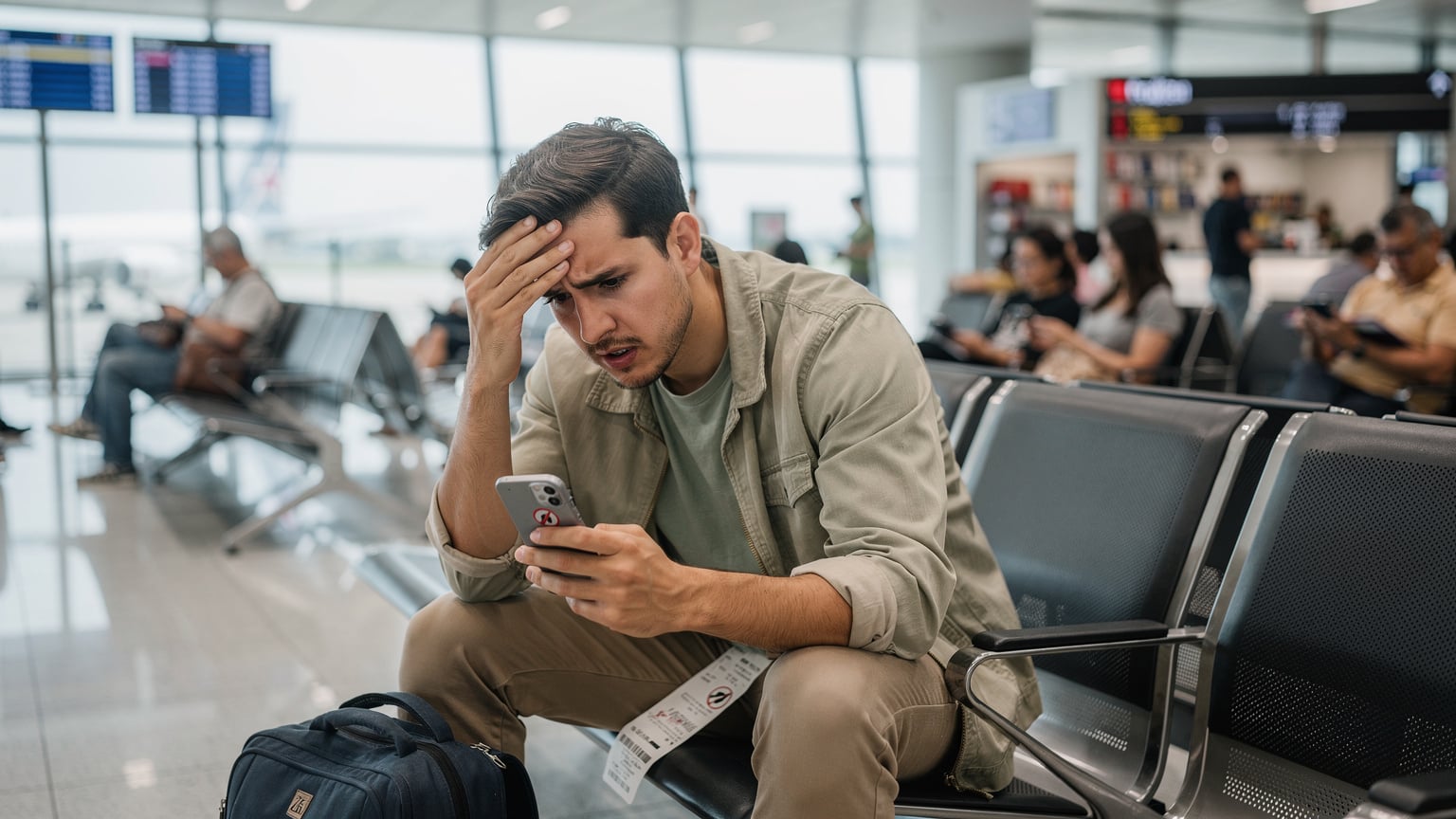
If your eSIM isn't connecting, don't panic. Most issues are minor and easily fixed. Here's a quick checklist:
- Data Roaming: Did you enable data roaming for your eSIM profile? This is the most common oversight. Go to your phone's cellular settings and ensure it's switched on for the eSIM.
- APN Settings: Sometimes, the Access Point Name (APN) needs to be manually configured. Your eSIM provider will have these details. It's usually a simple text string you enter into your cellular settings.
- Network Selection: Try manually selecting a network. In Singapore, you'd look for Singtel, StarHub, or M1. Sometimes your phone latches onto a weak signal from a less optimal carrier.
- Restart Your Phone: The classic IT solution, but it often works. A quick reboot can resolve many minor network glitches.
- Check Data Balance: Have you run out of data? Log into your eSIM provider's app or website to check your remaining balance and top up if necessary.
Data-Hungry Apps and Background Refresh
Many apps, even when not actively in use, can consume significant data through background refresh. Social media apps, email clients, and cloud backup services are notorious for this. Before you travel, go into your phone settings and disable background app refresh for non-essential apps, or set them to only refresh on Wi-Fi. This simple step can extend the life of your data plan considerably.
Also, streaming video in high definition, especially during an event like the F1 where everyone is sharing clips, will drain your data faster than anything else. If you're on a limited plan, consider lowering the streaming quality or downloading content beforehand when on Wi-Fi.
Maximizing Your Data on the Go
Okay, so you've got your eSIM, you're connected, and the race is on. Now, how do you make sure that precious data lasts through all the practice sessions, qualifying, and the main event, plus all your city explorations? It's all about smart usage and taking advantage of available Wi-Fi when it makes sense.
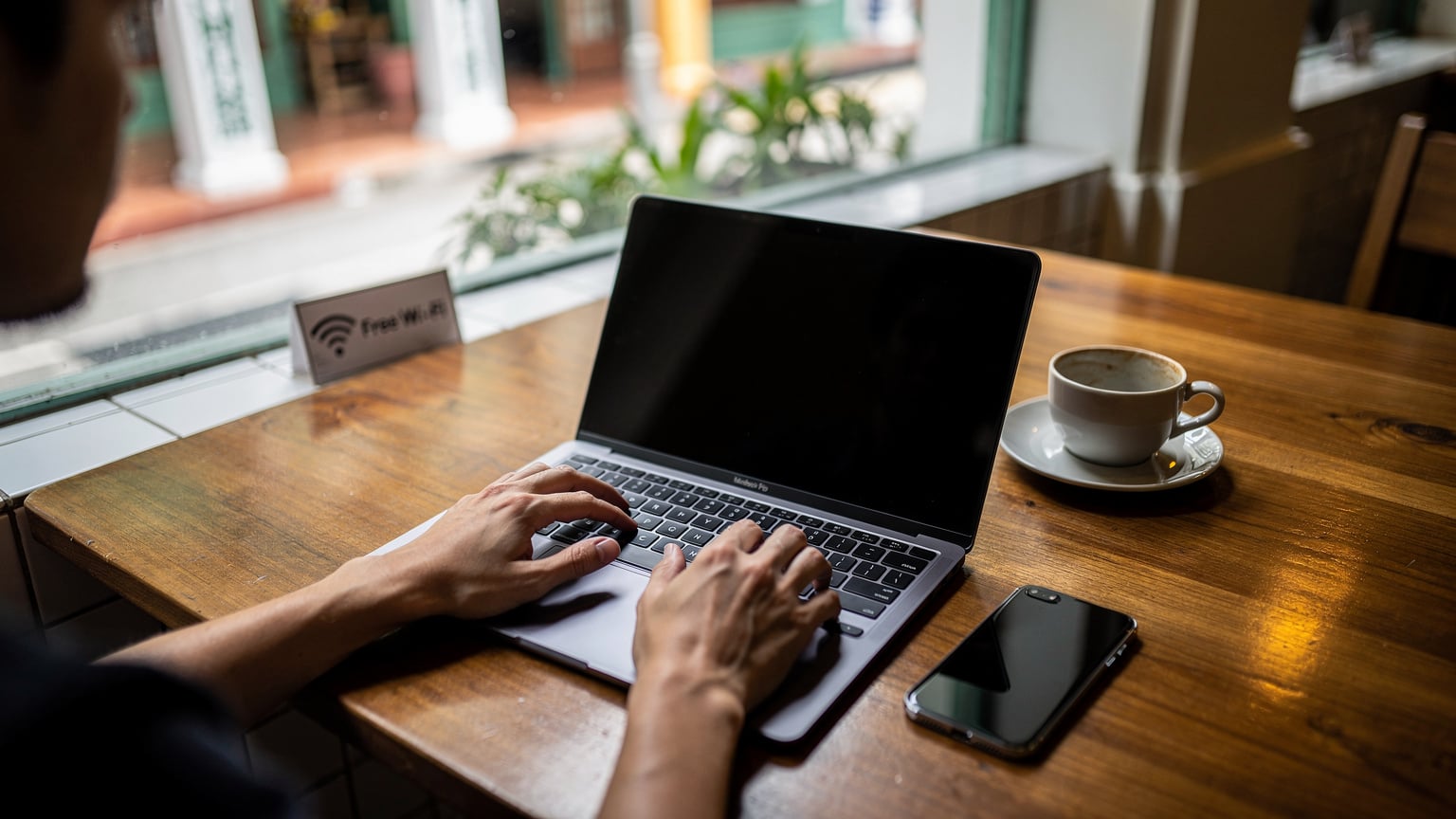
Singapore is a city with decent public Wi-Fi, but it's not always reliable, especially in crowded areas. The Changi Airport Wi-Fi is good, and most cafes and shopping malls offer it. However, I rarely rely solely on public Wi-Fi for anything critical. It's often slow, requires multiple logins, and can be a security risk. Use it for light browsing, sure, but your eSIM should be your primary, secure connection.
When to Use Public Wi-Fi and When to Stick to eSIM
- Public Wi-Fi for large downloads: If you need to download a large game update, a movie, or a hefty work file, do it on a secure hotel or co-working space Wi-Fi. Never do it on public, unsecured networks.
- eSIM for sensitive tasks: Banking, logging into personal accounts, making payments, or any communication with sensitive information should always be done over your secure eSIM connection.
- Balance for general browsing: For casual browsing, checking social media, or light mapping, you can use public Wi-Fi if it's readily available and seems stable. Just be mindful of what information you're transmitting.
Offline Maps and Pre-Downloaded Content
This is an old nomad trick that still holds true. Before you head out for the day, or even before you leave your home country, download offline maps for Singapore using Google Maps. This way, even if you momentarily lose signal or want to conserve data, you can still navigate the city effectively. It's saved me from countless wrong turns in unfamiliar cities.
Similarly, if you have any entertainment you want to consume, like movies, TV shows, or podcasts, download them over Wi-Fi beforehand. This prevents unnecessary data drain during your travels and ensures you have something to watch or listen to on long MRT rides or during downtime at the circuit.
"I always download my Netflix shows and map segments before I leave my Airbnb. It's a small habit that makes a huge difference, especially if you're trying to stretch a 15GB plan over a week."
Navigating Singapore Like a Local
Singapore is famously easy to navigate, but knowing a few local hacks can make your Grand Prix experience even smoother. Connectivity plays a huge role here, whether it's confirming train times or finding the best hawker centre.
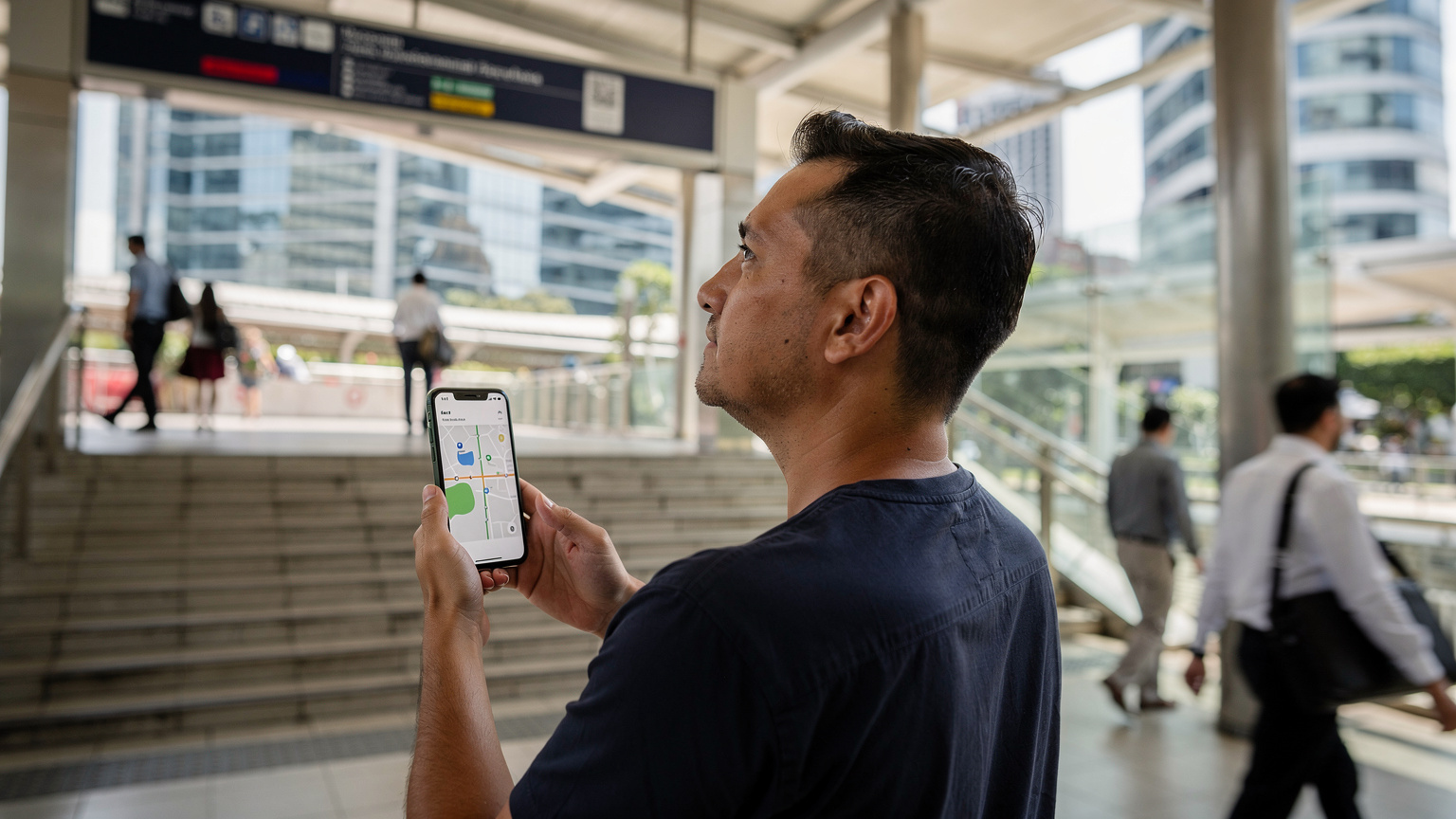
The MRT (Mass Rapid Transit) system is world-class and will be your best friend for getting around. The TransitLink website and app are essential for planning routes and checking fares. You can use your credit card for direct tap-and-go payments on the MRT and buses, or grab an EZ-Link card. Google Maps integrates MRT routes seamlessly, so having a live data connection to check real-time updates is crucial. Forget about deciphering complex paper maps, just let your phone guide you.
Hawker Culture and Foodie Finds
Singapore's hawker centres are legendary, and you absolutely cannot visit without diving into this culinary experience. My regular haunt when I'm in town is the Maxwell Food Centre, especially for the Tian Tian Hainanese Chicken Rice. Old Airport Road Food Centre is another gem. Connectivity helps you here in two ways: finding the best stalls (often by checking Google reviews or local foodie blogs) and translating menus if your Mandarin or Malay isn't up to par. Some smaller stalls might also prefer cash or local payment apps, so having data for quick currency conversions or to check if an app needs a local SIM to function is smart. (Though for tourists, cash and card are usually fine.)
Don't be afraid to queue; it usually means the food is excellent. And if you're worried about finding them, dedicated food blogs or apps like Burpple can guide you. Just make sure your data is flowing so you don't end up wandering aimlessly, hungry, which is a cardinal sin in Singapore.
Beyond the Track: Exploring Singaporean Gems
While the F1 circuit will occupy much of your time, Singapore has plenty more to offer. Gardens by the Bay, the ArtScience Museum, and the vibrant neighborhoods of Haji Lane and Little India are all worth exploring. Having consistent data allows you to spontaneously check opening hours, book tickets online, or find the nearest bus stop. You might even find yourself on a spontaneous trip, much like exploring the Atlas Mountains Trek 2026: Morocco eSIM for Family High-Altitude Adventures, where connectivity still matters even when you're off the beaten path.
Final Laps: Your Singapore Grand Prix Connectivity Checklist
So, you're all set for the Singapore Grand Prix. Engines revving, anticipation building. Before you head out, run through this quick checklist to ensure your connectivity is as finely tuned as an F1 car.
- eSIM Purchased and Installed: Ensure your Singapore eSIM plan is active on your device.
- Data Roaming Enabled: Double-check that data roaming is turned on for your eSIM profile.
- Home SIM Settings: If you want to keep your home number active for calls/SMS, ensure it's still enabled, but set the eSIM as your primary for data.
- Offline Maps Downloaded: Have Singapore maps ready for offline use.
- Essential Apps Updated: Make sure Grab, Google Maps, WhatsApp, and the F1 app are all updated to their latest versions.
- Power Bank Charged: High data usage at an event will drain your battery. A fully charged power bank is non-negotiable.
With an eSIM from a reliable provider, you're not just buying data; you're buying peace of mind. You're ensuring that you can navigate, communicate, and fully immerse yourself in the high-octane luxury that is the Singapore Grand Prix, without ever missing a beat (or a pit stop).
Frequently Asked Questions
Will my phone work in Singapore during the Grand Prix?
Yes, most modern smartphones are compatible with Singapore's 4G and 5G networks. However, you'll need a local SIM or an eSIM to avoid expensive international roaming charges. Check your phone's band compatibility if it's an older model, but for most, an eSIM is the easiest solution.
How much data will I need for the Singapore Grand Prix weekend?
For moderate use, including navigation, social media, and accessing the official F1 app, a 10-15GB eSIM plan should be sufficient for a 3-5 day trip. If you plan on heavy streaming or video calls, consider a 20-30GB plan to be safe.
Can I use my existing phone number while using an eSIM in Singapore?
Yes, this is a major advantage of eSIMs. You can keep your physical SIM card active for calls and texts from your home number while using the eSIM for all your data needs, allowing you to stay connected to both.
Is Wi-Fi available at the Singapore Grand Prix circuit?
Some public Wi-Fi might be available, but it's typically slow, unreliable, and prone to congestion due to the high number of attendees. For critical communication and real-time updates, relying on your own eSIM data connection is highly recommended.
What if my eSIM doesn't connect when I arrive in Singapore?
First, ensure data roaming is enabled for your eSIM profile in your phone's settings. If that doesn't work, try restarting your phone or manually selecting a network (Singtel, StarHub, or M1). If issues persist, contact your eSIM provider's support for APN settings or further assistance. You can also visit our <a href="/en/faq">FAQ page</a> for more troubleshooting tips.